One click turns Stealthy on.
Click the Stealthy button on the toolbar. That turns it on. Click the same button again to turn it off.
The button sits on the toolbar. If you don’t see it, pin Stealthy from the extensions menu.
The panel
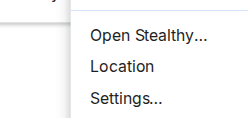
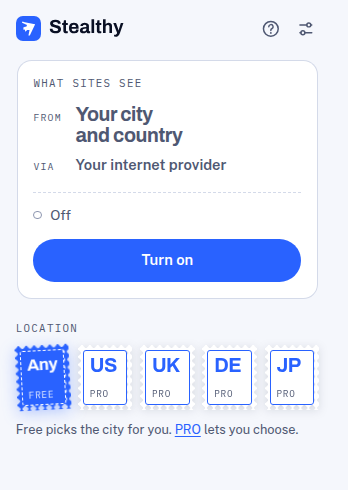
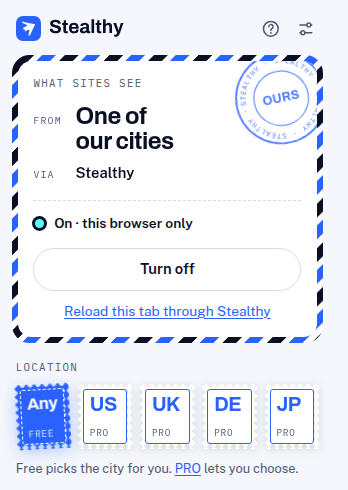
Right-click the button and choose Open Stealthy… The panel shows whether Stealthy is on, what sites are told about where you are, and Turn on or Turn off.
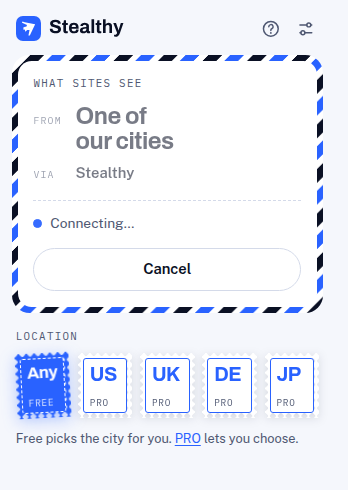
While Stealthy is connecting, that button says Cancel.
When the connection is up, the panel says On and the button says Turn off.
Location
The stamps along the bottom of the panel pick a location. Any is free and picks a city for you. United States, United Kingdom, Germany, and Japan are PRO.
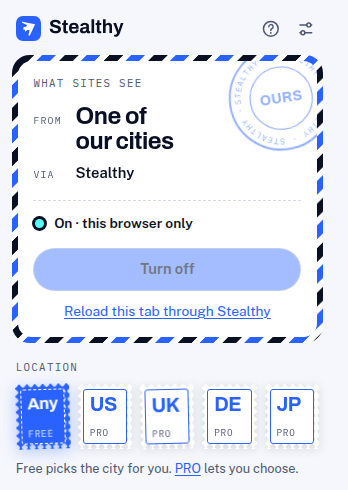
The same locations are under Location in the button’s right-click menu.
Keyboard
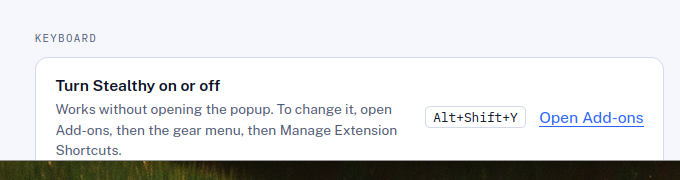
The shortcut turns Stealthy on or off without opening the panel.
- Chrome, Edge, and Opera: Alt+Shift+S
- Firefox: Alt+Shift+Y