Stealthy’s free web proxy: what it’s for
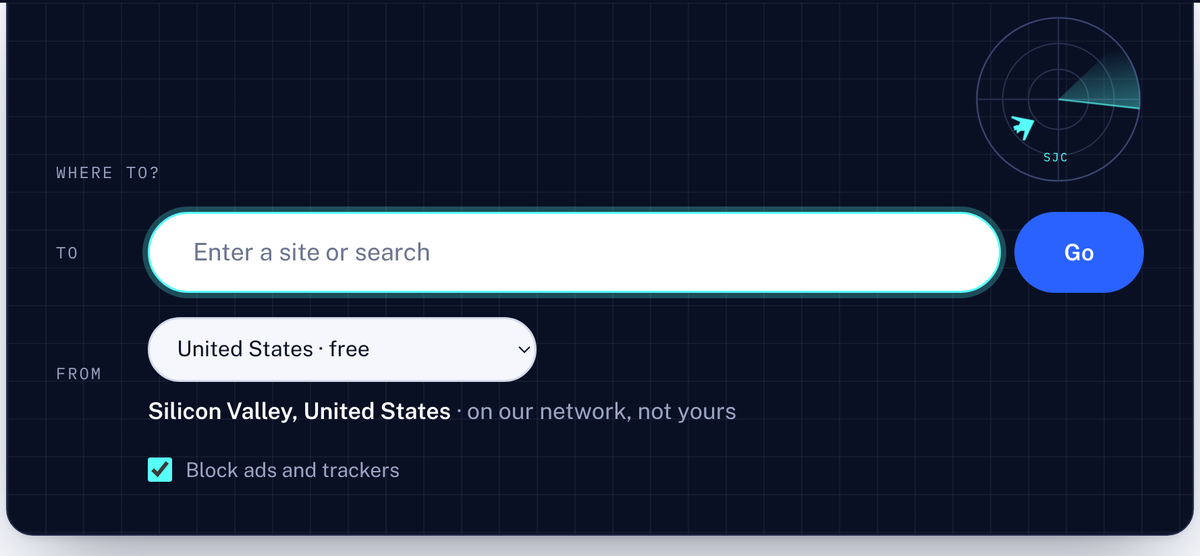
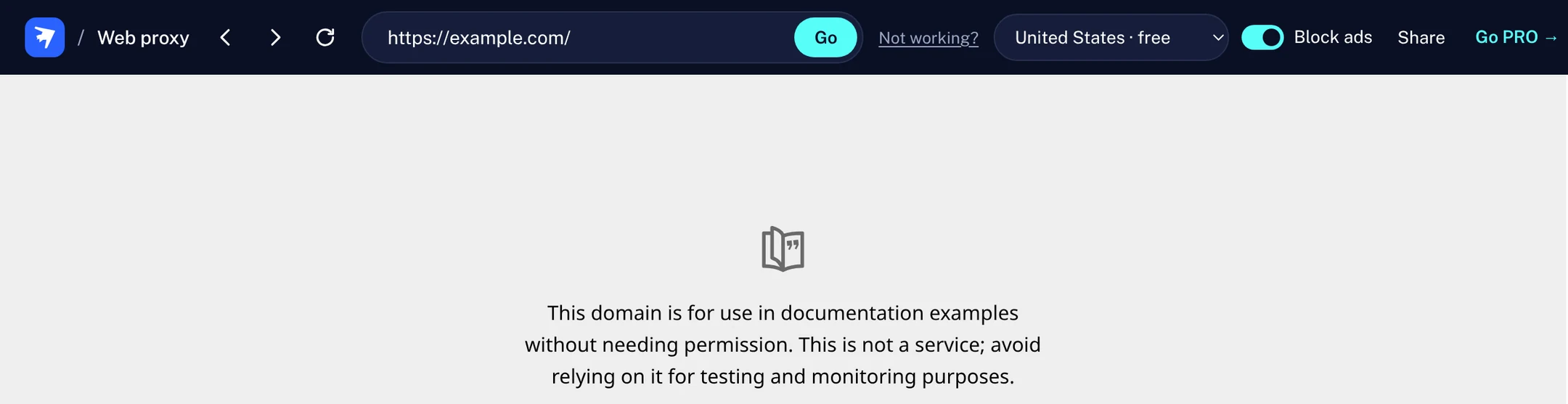
Type an address on Stealthy’s web proxy and the site opens there, through our network. It’s free, with no signup and nothing to install.
What it does
The network you’re on, like a school, office or public Wi-Fi, sees webproxy.stealthy.co. It doesn’t see the sites you open.
Source: webproxy.stealthy.co, checked 12 October 2026.
It opens one site at a time, inside the web proxy’s page.
Good for
- News, wikis and most everyday sites.
- A quick look at a site from another country. The free location is in the United States.
- Searching: type words instead of an address, and the web proxy searches for you.
Not for
- Signing in: many sites don’t allow sign-ins through a web proxy. On a computer, use the free extension; on a phone, the free VPN.
- Video and TV: YouTube and TV services don’t play here (Help).
- Reddit and X: they don’t work here.
- Apps: use the VPN.
Ads and harmful sites
Ads and trackers are blocked by default; you can untick Block ads and trackers. Known malware sites are blocked either way: the web proxy shows that the site “is blocked by our malware filter”.
Limits
It’s shared, so it can slow down at busy times (Help). PRO members can pick the United States, the United Kingdom, Germany or Japan in the web proxy; without PRO, you stay on the free location.
Questions
Is it really free?
Yes. No account and no time limit.
Does it work on phones?
Yes, in any phone browser. For apps, use the free VPN.
Why can’t I sign in to a site?
Many sites block sign-ins through a web proxy. Use the free extension on a computer.
More: What the web proxy does and doesn’t cover. Need a hand? Visit Help.